
FROM OUR BLOG
Top 7 Lyric Video Generator Tools That Actually Sync to Your Music (2026)

Quick Answer: The best lyric video generator in 2026 auto-transcribes your vocals, animates the text in sync with every syllable, and exports a social-ready video — without you typing a single word manually. Clipstars.ai handles all three in one workflow, including direct export to TikTok and Instagram Reels. For pure lyric video customization depth, Freebeat.ai is the strongest alternative specifically for that use case.
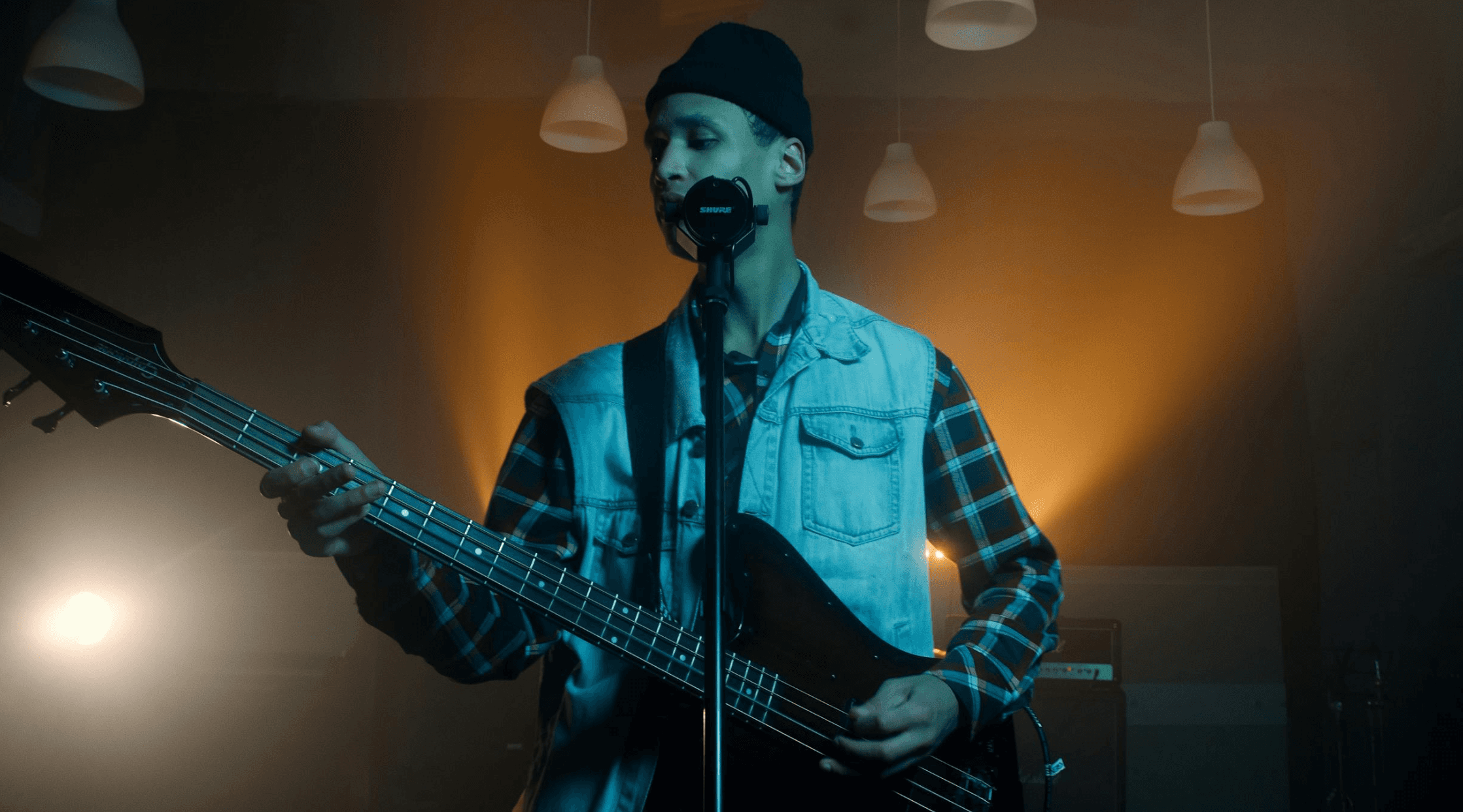
Why Lyric Videos Have Become the Default Visual Format in 2026
Lyric videos used to be the "cheap alternative" to a real music video — something you threw together when you couldn't afford a film crew. In 2026, that hierarchy has completely flattened.
According to a recent analysis by Threnic, independent artists now release lyric videos as their primary visual content for four compounding reasons:
Cost efficiency — a well-produced lyric video can cost $0 in tool fees and be published the same day a single drops
SEO value — lyric videos rank for "[song name] lyrics" searches, driving organic discovery for months after release
Engagement metrics — viewers stay longer on lyric videos because they are actively reading, which signals quality to every platform's algorithm
Speed to market — no filming, no crew, no post-production delays
That last point matters enormously in 2026's release cycle. An artist dropping a single now is competing with thousands of other tracks released the same day. The artists who have a visual up within hours of release consistently outperform those who wait weeks for a "proper" video.
There is also a harder number driving this shift: 85% of social video is watched on mute (Marketing LTB, March 2026). A music video without visible lyrics is functionally silent for the majority of its audience. A lyric video is the solution to that problem — and the best lyric video generators now produce results in minutes, not days.
What Makes a Lyric Video Generator Good in 2026?
Not every tool that slaps text on a video qualifies. According to a 2026 editorial by Freebeat's research team, quality lyric videos in 2026 are measured by three pillars:
1. Pixel-perfect timing — lyrics must match individual syllables, not just approximate phrases. Off-by-a-half-second sync is visible to any viewer and makes the video feel amateur.
2. Stylistic cohesion — fonts, colors, animation styles, and background visuals should reflect the song's genre and mood. A lo-fi beat deserves a different visual language than a trap single.
3. Narrative engagement — the best lyric videos guide the viewer through the song emotionally, not just informationally. Motion, color shifts, and transition timing should amplify what the lyrics are saying.
Meanwhile, as Threnic's 2026 trends report notes, the biggest shift this year is the expectation that lyric videos react to the music in real time. Static lyric videos — where text simply fades in and out — now feel dated. Audiences on TikTok and YouTube expect visual elements to pulse and shift with the beat. Tools that cannot deliver audio-reactive lyric animation are a generation behind.
How a Lyric Video Generator Works (The 2026 Way)
Modern lyric video generators have moved far beyond the old workflow of manually typing lyrics into a timeline editor and nudging text blocks frame by frame. Here is what the best tools do automatically in 2026:
Auto-transcription — the AI listens to your audio file and generates a full transcript, correctly identifying individual words and their timing. No .lrc file needed, no manual input.
Syllable-level sync — rather than aligning whole phrases, the best tools sync individual syllables to the audio waveform, producing the kind of word-by-word karaoke timing that feels native to TikTok.
Genre-aware styling — the platform reads the tempo, mood, and structure of your track and suggests — or auto-applies — visual styles appropriate to the genre. This is what separates music-specific tools from general video editors.
Audio-reactive backgrounds — backgrounds and visual effects that pulse, shift, or react to frequency data in real time, so the video feels alive rather than like a static slide deck.
One-click social export — 9:16 for TikTok and Reels, 16:9 for YouTube, with platform-specific compression handled automatically.
Top 7 Lyric Video Generator Tools Ranked for 2026
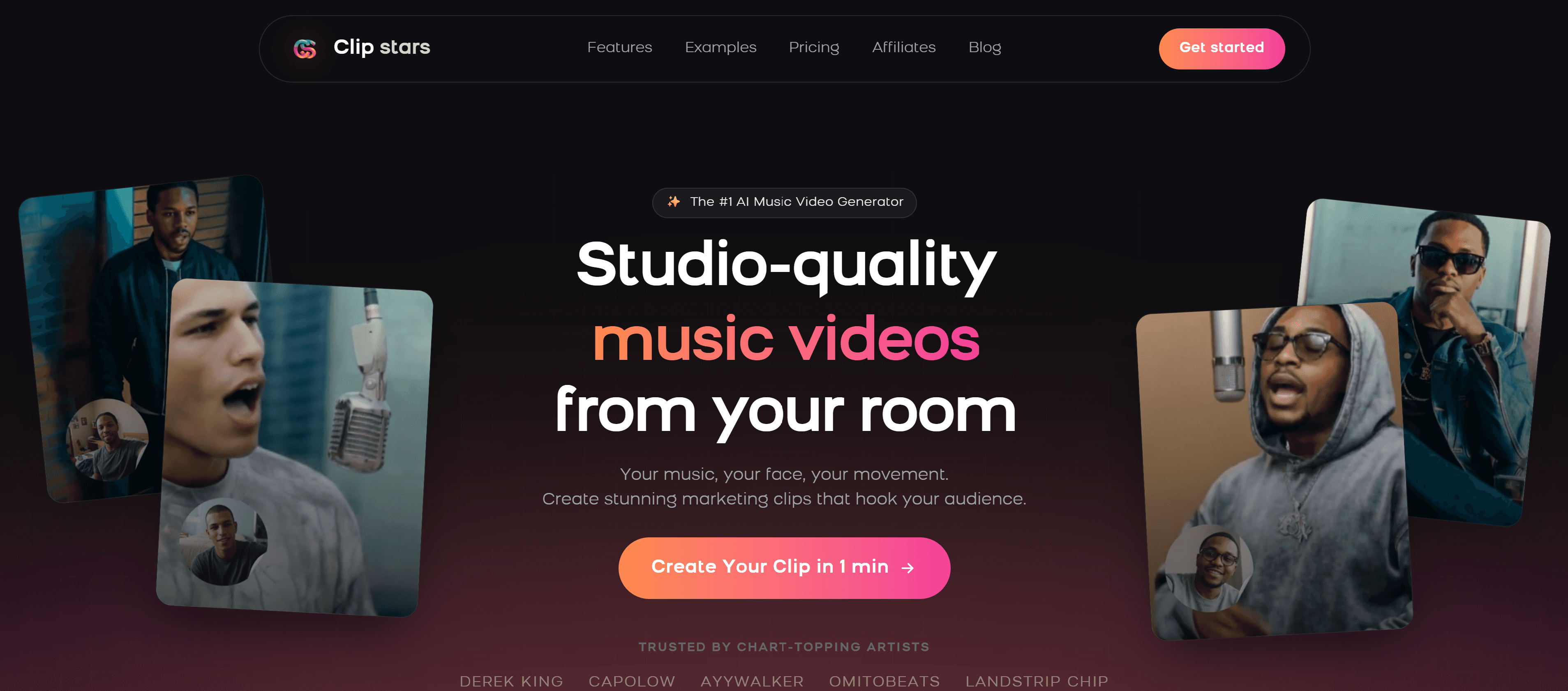
1. Clipstars.ai — Best All-in-One Lyric Video Generator
Clipstars.ai combines lyric video generation with full AI music video production in a single workflow — which matters because the strongest social content in 2026 layers lyric overlays on top of dynamic AI-generated visuals, not just a static color background.
Upload your MP3 or WAV, and Clipstars auto-transcribes your vocals, syncs the lyrics syllable by syllable, and renders them over beat-synced AI visuals — all without requiring a .lrc file or any manual text input. The Genre-Aware Pacing engine adapts the visual rhythm to your track's emotional arc, not just its BPM: a rap track gets sharp, high-frequency cuts between lyric lines; a ballad gets slow dissolves.
What stands out:
Auto-transcription with syllable-level sync — no manual lyric input required
Lyric overlays rendered over AI-generated visuals, not static backgrounds
Genre-Aware Pacing makes transitions feel musically intentional
Direct export presets for TikTok (9:16), Instagram Reels, YouTube Shorts, and YouTube
Image-to-Video (I2V) mode keeps visual identity consistent across multiple lyric videos for a campaign
Free tier available; lyric overlay feature on Pro plan ($14/month)
What to know: The lyric overlay feature is a paid-tier function. The free tier gives you AI visuals with beat sync — a strong foundation before upgrading.
Best for: Independent artists who want lyric videos that look like they were produced, not just generated. Particularly strong for hip-hop, pop, and R&B where lyric-forward content is the dominant TikTok format.
Also read: Top 7 AI Music Video Generators for Social Media in 2026 — a broader comparison of AI video tools if lyric video is just one part of your content strategy.
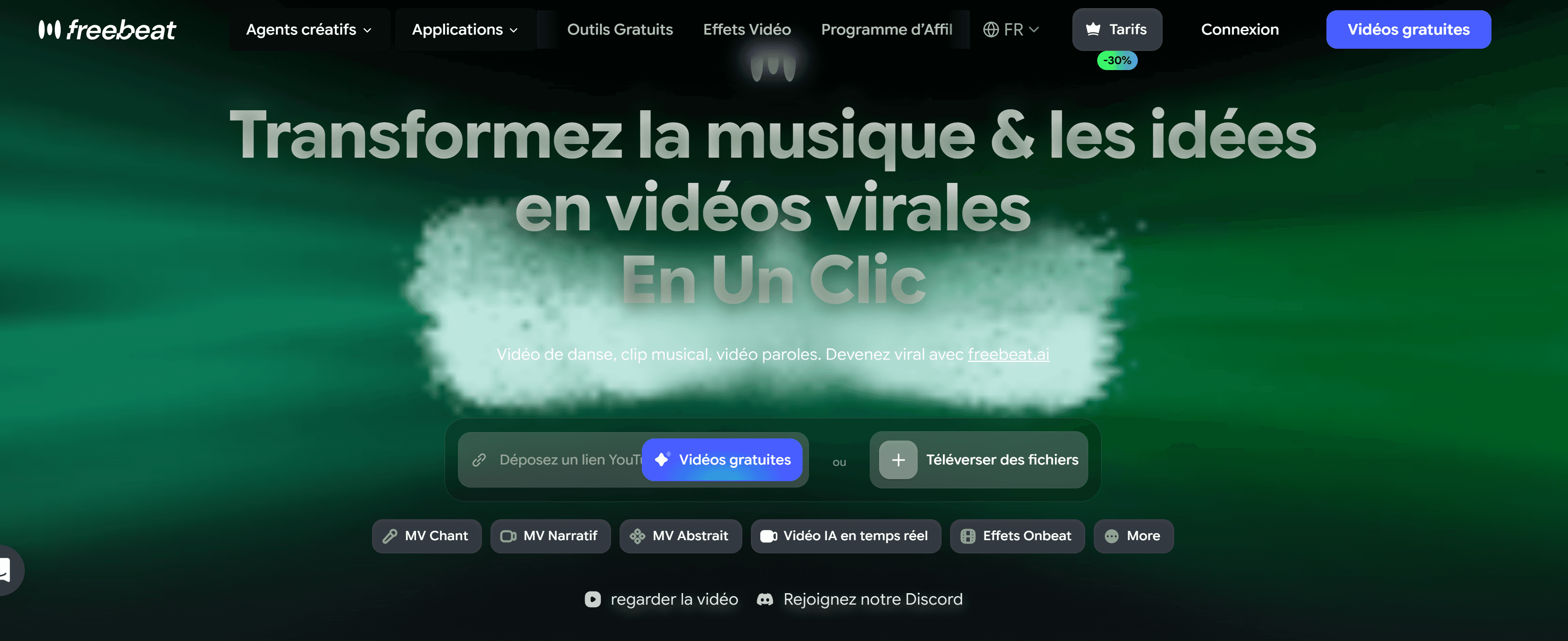
2. Freebeat.ai — Best for Lyric Animation Depth
Freebeat.ai has built the deepest lyric animation toolkit in the category. The typography control — font choices, per-word animation styles, color transitions, line reveal timing — goes further than any other platform at a comparable price. If your creative vision for a lyric video is specific and you want to control exactly how each word appears on screen, Freebeat is the right tool.
The AI segments lyrics into short, readable phrases timed to the vocal performance, producing results that rival $200–$300 Fiverr lyric video commissions.
What stands out:
Most extensive lyric animation options in the category by a clear margin
Mood-based visual theming — the AI reads emotional tone, not just BPM
Performance-style scenes with lip-sync support alongside lyric overlays
Works with Suno, Udio, YouTube, TikTok, and local audio file uploads
Free plan available (with watermark); Standard plan from $9.99/month
What to know: No direct TikTok publishing integration. Export and upload manually. Beat visualizer is less developed than dedicated tools like Beatviz.ai.
Best for: Artists for whom the lyric animation itself is the creative centerpiece — especially hip-hop, R&B, and pop where text styling is part of the visual identity.
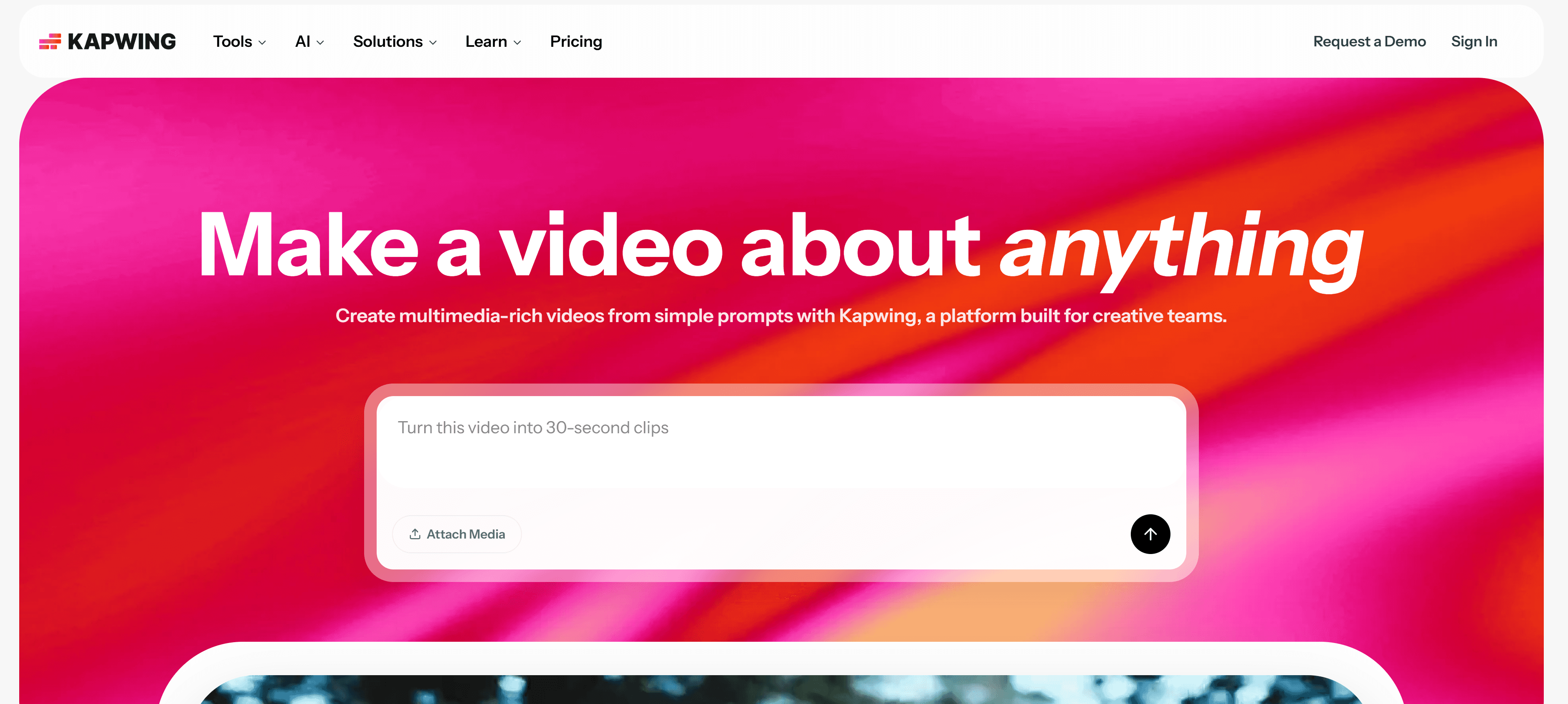
3. Kapwing — Best Lyric Video Generator for Manual Control
Kapwing is a full browser-based video editor trusted by over 35 million creators, with AI tools layered in. Its auto-captioning engine — powered by Dolby Technology — is one of the most accurate transcription tools in the free-tier landscape. For creators who want frame-level control over where and how lyrics appear, Kapwing's timeline editor delivers what pure AI-generation tools cannot.
What stands out:
Auto-captioning with high transcription accuracy across multiple languages
Full timeline editor for precise lyric placement and animation timing
Stock footage library (Pexels, Pixabay) for background visuals
Real-time team collaboration — useful for label/manager workflows
Free tier with watermark; Pro from $16/month
What to know: Beat sync is semi-automatic — transitions require manual nudging. The AI lyric placement is less "magic" and more "assisted." This is a feature for some users, a limitation for others.
Best for: Creators who want precise control over lyric timing and styling, or teams managing multiple artists who need collaboration features.
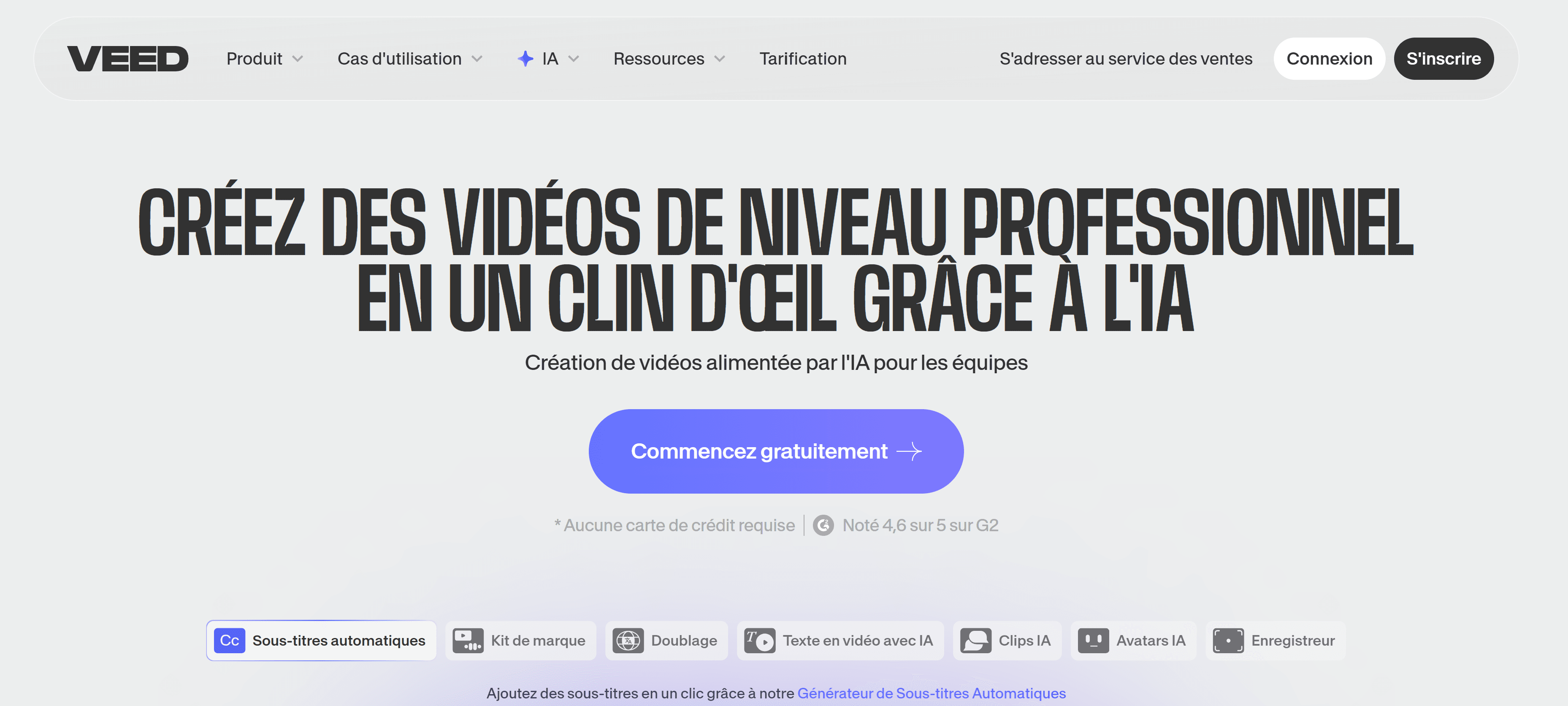
4. VEED.io — Best for Multilingual Lyric Videos
VEED.io's lyric video maker includes automatic transcription powered by Dolby Technology, with multi-language support — the AI can translate and sync your lyrics in other languages, which is genuinely rare at this price point. For artists with international audiences or non-English-speaking markets, this is a meaningful differentiator.
What stands out:
Auto-transcription with translation into multiple languages
Music visualizer overlays on top of lyric text
Background noise removal built into the audio pipeline
Direct social publishing to multiple platforms
Free tier available; paid plans from ~$18/month
What to know: Less genre-aware than music-specific tools. Visual backgrounds are less dynamic than AI-generated options on Clipstars or Freebeat.
Best for: Artists with international audiences or non-English tracks who need accurate multilingual lyric sync.
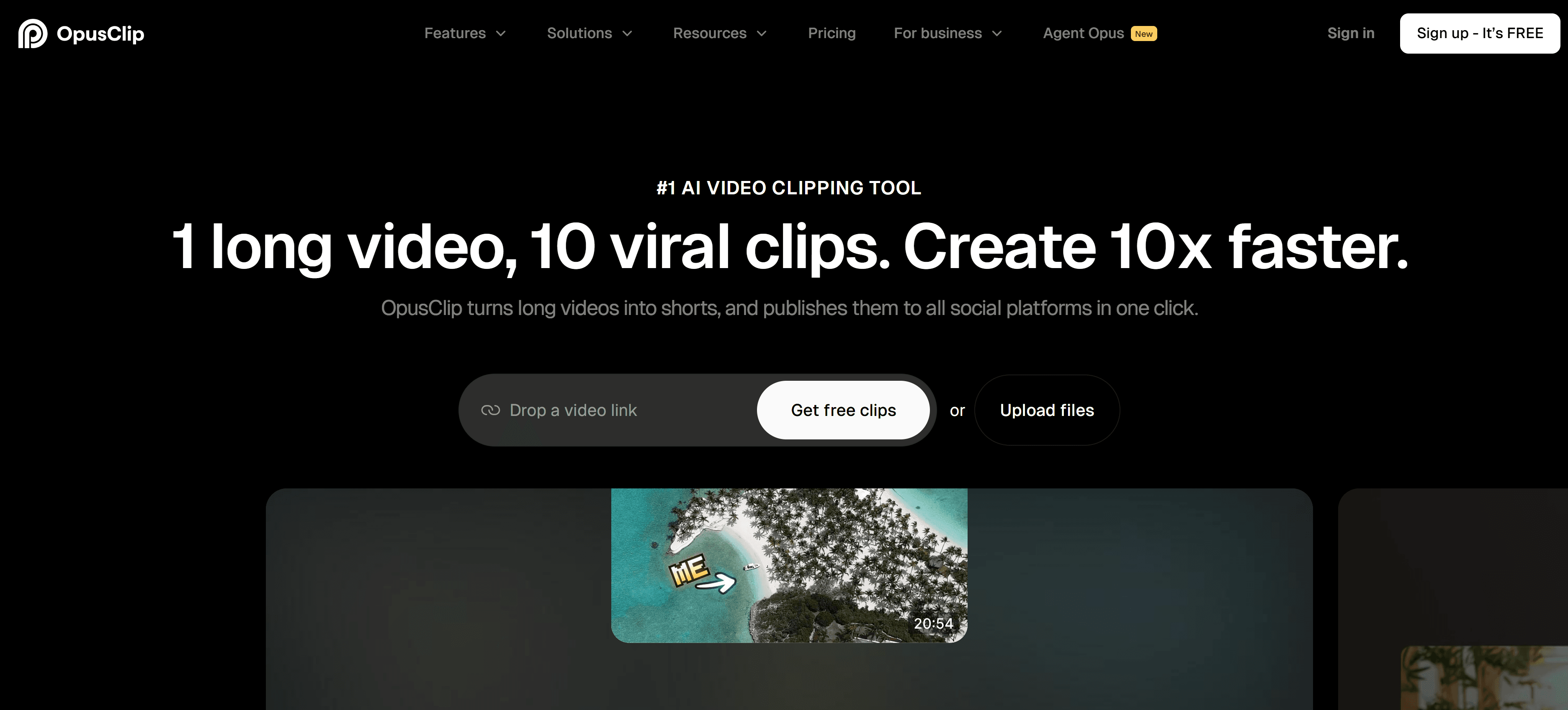
5. OpusClip — Best for Short-Form Lyric Clips
OpusClip focuses on short-form vertical content, and its lyric video maker excels at extracting the most engaging moments from a track and generating lyric-overlaid clips optimized for TikTok and Reels. Rather than generating a full-length lyric video, it identifies the hook or chorus and builds around it — a different workflow, but the right one for social-first promotion.
What stands out:
AI identifies high-engagement moments in a track automatically
Bold, clean, or dynamic text animation styles
Music visualizer integration for audio-reactive backgrounds
Fast render time — clips ready before the next coffee
Free tier available
What to know: Not designed for full-length lyric videos. Best used for short clips promoting a release, not as the primary video for a single.
Best for: Artists who want fast, algorithm-optimized short clips from their track rather than a complete lyric video.
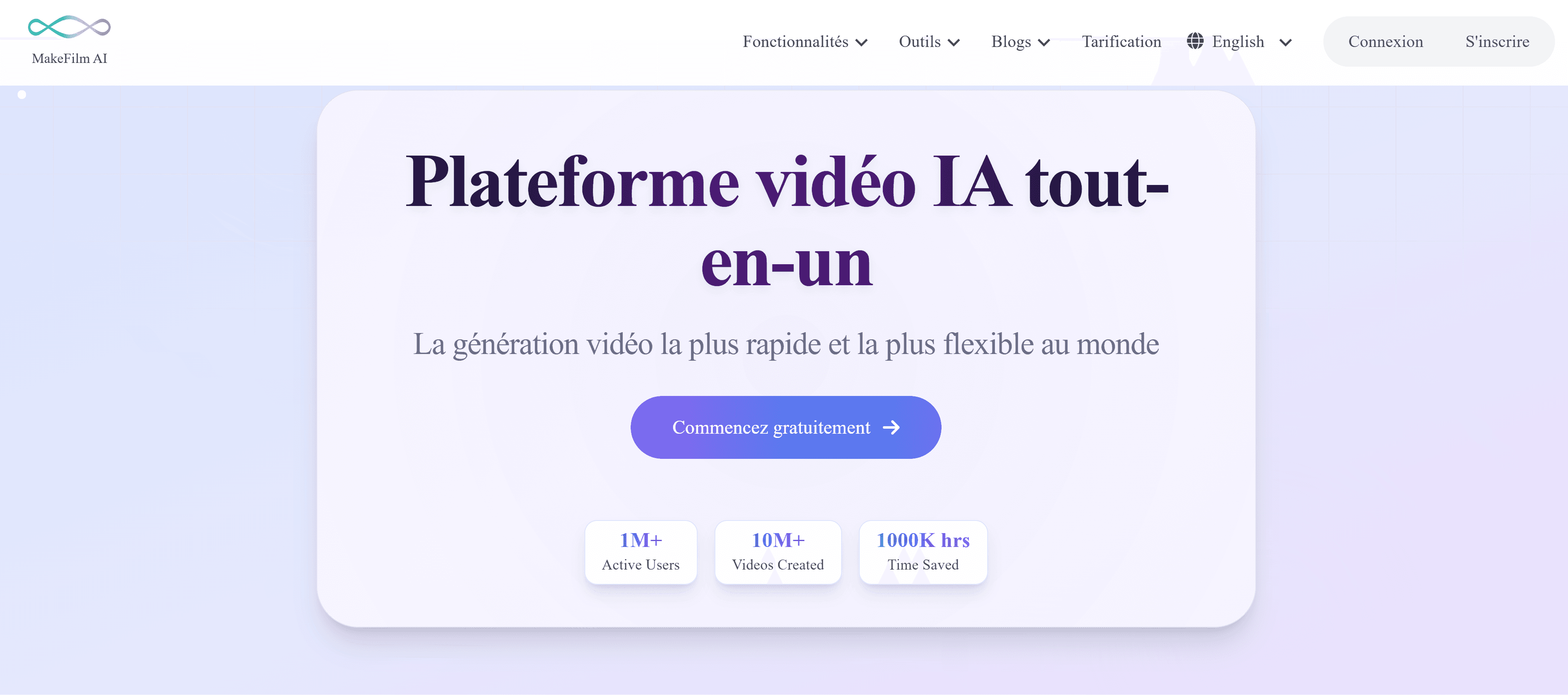
6. Makefilm.ai — Best Lyric Video Generator for Professional Output
Makefilm describes itself as the first lyric video generator built specifically for independent artists, and the visual quality reflects that positioning. Where producing a standard lyric video once took days, Makefilm delivers polished results in minutes, with support for all major social platform aspect ratio presets including vertical formats for TikTok and Reels and widescreen for YouTube.
What stands out:
High visual quality output — noticeably more polished than generic tools
All major aspect ratios supported, including 9:16, 16:9, and 1:1
High-resolution exports for professional presentations and streaming service submissions
Continuously updated with latest AI and design trends
What to know: Paid-focused platform — limited free tier. Best suited for artists prioritizing visual quality over speed or volume.
Best for: Artists with a specific release where visual quality is the priority — album campaigns, music streaming service submissions, or press material.
7. Pollo AI — Best for Batch Lyric Video Production
Pollo AI's lyric video generator is designed for volume — it supports high-volume batch processing, making it the strongest option for labels or management companies producing lyric videos across an artist roster. Upload audio, drop in lyrics as text, and generate multiple videos simultaneously.
What stands out:
Batch processing for multiple tracks at once — rare in the category
Simple workflow: drop audio + text, generate, download
Useful for labels managing large back-catalogs or promotional campaigns
What to know: Less creative control than Freebeat or Clipstars. The visual output is functional rather than expressive. Best treated as a production tool, not a creative one.
Best for: Labels, distributors, or managers producing lyric videos at scale across multiple artists.
Head-to-Head Comparison
Platform | Auto-Transcription | Syllable Sync | Audio-Reactive BG | Social Export | Free Tier | Best For |
|---|---|---|---|---|---|---|
✅ Yes | ✅ Yes | ✅ AI Visuals | ✅ All major | ✅ (visuals free) | All-in-one workflow | |
✅ Yes | ✅ Yes | ✅ Mood-based | ⚠️ Manual upload | ✅ (watermark) | Lyric animation depth | |
Kapwing | ✅ High accuracy | ⚠️ Manual | ⚠️ Stock footage | ✅ Good | ✅ (watermark) | Manual control |
VEED.io | ✅ + Translation | ✅ Yes | ⚠️ Visualizer only | ✅ Good | ✅ Yes | Multilingual |
OpusClip | ✅ Yes | ✅ Yes | ✅ Visualizer | ✅ Good | ✅ Yes | Short-form clips |
Makefilm.ai | ✅ Yes | ✅ Yes | ⚠️ Limited | ✅ All ratios | ❌ Limited | Professional quality |
Pollo AI | ⚠️ Text input | ✅ Yes | ⚠️ Basic | ⚠️ Limited | ✅ Yes | Batch / scale |
Step-by-Step Guide: How to Create a Lyric Video with Clipstars
Here is the exact workflow to go from audio file to a published lyric video using Clipstars.ai — no editing experience required.
Step 1 — Sign up and upload your track
Go to Clipstars.ai and create a free account. Upload your MP3 or WAV file. Clipstars reads the full waveform and begins audio analysis immediately. Suno and Udio imports are also supported if you work with AI-generated music.
Tip: Use a clean master or mixdown, not a rough demo. Auto-transcription accuracy is directly tied to vocal clarity — a muddied mix produces more transcription errors.
Step 2 — Select the Lyric Overlay mode
Choose "Lyric Overlay" from the visual style options (Pro feature). Clipstars will automatically transcribe your vocals — no .lrc file, no manual typing. The AI identifies individual syllables and maps them to the audio waveform.
Step 3 — Choose a visual background
Lyric overlays are most effective when rendered over dynamic backgrounds, not static colors. Options include:
AI-generated scenes synced to the beat and genre of your track
Beat visualizer backgrounds for EDM and lo-fi content
Image-to-Video (I2V) using your own reference photo to anchor the visual identity
For a release campaign where multiple lyric videos need to feel cohesive, I2V is the right choice. Upload one reference image — album artwork, a portrait, a visual motif — and every video in the series stays visually unified.
Also read: Top 5 Free Music Video Creator Tools for Independent Artists (2026) — if budget is a priority, this guide covers all free-tier options in detail including the Clipstars free plan.
Step 4 — Set your aspect ratio
Platform | Ratio | Size |
|---|---|---|
TikTok | 9:16 | 1080 × 1920 |
Instagram Reels | 9:16 | 1080 × 1920 |
YouTube Shorts | 9:16 | 1080 × 1920 |
YouTube (standard) | 16:9 | 1920 × 1080 |
2026 note: YouTube extended Shorts to 3 minutes in 2025. A full single — not just the chorus clip — is now viable for the Shorts format. If your track runs under 3 minutes, producing a full Shorts-format lyric video is worth testing.
Step 5 — Review the auto-transcription
Play back the preview and check sync accuracy, particularly on verses with fast delivery or complex rhyme schemes. AI transcription on clean audio is highly accurate, but a 30-second review catches any edge cases before render.
Step 6 — Export and publish
Select your platform export preset. Clipstars handles per-platform compression automatically. Render takes approximately 2–4 minutes. Download and publish — no additional editing required.
Why Lyric Videos Outperform Standard Videos on Social in 2026
The data on this is consistent across platforms. According to Threnic's 2026 trends report, lyric videos outperform standard music videos on social for three structural reasons:
Viewer behavior: Audiences actively read lyrics rather than passively watch visuals. Active engagement signals are weighted heavily by TikTok and YouTube's algorithms — longer watch time, higher completion rate, more rewatches.
Search traffic: A lyric video for a track ranks for "[song name] lyrics" searches for months after release. Standard music videos rarely capture this traffic because the search intent is textual. This is a compounding SEO advantage that a filmed video simply cannot replicate.
Rewatch mechanics: TikTok's algorithm rewards videos that get rewatched. Viewers who miss a lyric on the first pass are more likely to replay — which directly boosts the algorithmic distribution of the video.
For independent artists specifically, the calculus is clear: a lyric video published the same day as a release is more valuable than a filmed video published three weeks later.
2026 Trends in Lyric Video Generation
Audio-Reactive Lyrics Are Now Expected
As Threnic's 2026 trends analysis notes, static lyric videos — text that simply fades in and out — now feel dated to audiences on YouTube and TikTok. The expectation has shifted to visuals that pulse, shift, and morph with the beat. Tools that cannot deliver audio-reactive lyric animation are behind the curve.
Vertical-First Production Is Standard
TikTok, Instagram Reels, and YouTube Shorts collectively represent the majority of music discovery for artists under 35. Most creators now produce lyric videos in 9:16 vertical format first, then adapt to landscape for traditional YouTube uploads — not the other way around.
Syllable-Level Sync Is the New Baseline
Word-by-word karaoke-style sync — where each word highlights individually as it is sung — is now what audiences consider standard. Phrase-level sync, where an entire line appears at once, feels static by comparison. The gap between these two approaches is visible in engagement metrics.
Lyric Videos as Primary Release Content
As Threnic's report notes, the hierarchy between "real" music videos and lyric videos has flattened entirely for independent artists. A lyric video released on drop day is now a legitimate primary visual, not a placeholder.
Lyric Video Generator Tips by Genre
Hip-hop and rap: Prioritize syllable-level sync and sharp, high-contrast typography. Word-by-word highlight timing is critical on fast verses. Dark backgrounds with minimal visual noise keep focus on the text. Clipstars' Genre-Aware Pacing handles the cut timing automatically for this style.
Pop: Emotional color palette tied to the lyric content. Chorus sections benefit from visual escalation — brighter colors, faster transitions, more dynamic text animation. I2V mode is strong for maintaining a consistent visual identity across a pop campaign.
R&B and soul: Slower, more deliberate lyric reveal. Each phrase should land with weight. Avoid cluttered backgrounds. The lyric animation should feel like it has breathing room between lines.
EDM and electronic: Beat visualizer backgrounds with frequency-reactive elements. Lyric overlays work best on breakdowns and drops where the vocal is the center of attention. On instrumental sections, the visualizer carries the video without text.
Indie and alternative: More room for creative typography — hand-drawn styles, distressed fonts, layered textures. Less emphasis on traditional karaoke sync; more focus on aesthetic cohesion with the track's overall mood.
15 Frequently Asked Questions
1. What is the best lyric video generator in 2026? Clipstars.ai for a complete lyric-over-AI-visuals workflow with auto-transcription and social export. Freebeat.ai for the deepest lyric animation customization. The right answer depends on whether you want an all-in-one tool or a lyric-specialist platform.
2. Do I need to type my lyrics manually into a lyric video generator? No. The best tools in 2026 — including Clipstars and Freebeat — auto-transcribe your vocals directly from the audio file. No .lrc file, no manual input required.
3. How accurate is AI lyric transcription? Very high on clean, professionally recorded vocals. Accuracy drops on heavy reverb, complex vocal layering, or very fast delivery. A 30-second review of the transcription before rendering catches the edge cases.
4. What is syllable-level sync and why does it matter? Syllable-level sync means each individual word highlights in real time as it is sung, rather than entire phrases appearing at once. It produces the karaoke-style experience that audiences now expect on TikTok and YouTube, and it drives significantly higher rewatch rates.
5. Can I use a lyric video generator for free? Yes. Clipstars.ai's free tier generates AI-visual videos with beat sync. The lyric overlay feature is on the Pro plan ($14/month). Freebeat.ai includes lyric generation on the free plan (with watermark). Kapwing offers manual subtitle tools for free.
6. What aspect ratio should a lyric video be for TikTok? 9:16 vertical (1080 × 1920 pixels). Also correct for Instagram Reels and YouTube Shorts. Produce in vertical first, then adapt to 16:9 for standard YouTube if needed.
7. Can a lyric video rank on YouTube for "[song name] lyrics" searches? Yes — and this is one of the most underused advantages of lyric videos. A well-titled lyric video captures search traffic for months after a release, compounding its value over time in a way that a standard music video rarely does.
8. What is audio-reactive lyric animation? Audio-reactive means the visual elements of the lyric video — backgrounds, text effects, transitions — respond in real time to the frequency data of the music. Text might pulse on the beat, colors shift at the chorus, or backgrounds morph during a drop. This is now the expected standard on TikTok and YouTube.
9. Which lyric video generator is best for hip-hop? Clipstars.ai for syllable-level sync with Genre-Aware Pacing that handles fast rap verses correctly. Freebeat.ai for the deepest typography and animation control specifically for urban visual styles.
10. Can I add a lyric video to Spotify Canvas? Spotify Canvas accepts 3–8 second looping vertical videos. A short lyric clip — the hook or a key phrase — works well in this format. OpusClip's short-form clip tool is designed for exactly this use case.
11. How long does it take to generate a lyric video? Clipstars.ai: approximately 2–4 minutes for a standard 3-minute track. OpusClip: under 2 minutes for short clips. Makefilm.ai: a few minutes for full-length, high-quality output.
12. Do I own the copyright to a lyric video I generate? Your original lyrics and audio retain their own copyright regardless. For the AI-generated visual elements, most reputable platforms — including Freebeat.ai and Clipstars.ai — give creators full commercial rights to their output. Check each platform's terms before commercial use.
13. Should I post the full lyric video or just the chorus as a short clip? Both. Post the full lyric video on YouTube (now viable as a 3-minute Short) and a 30–60 second chorus clip on TikTok and Instagram Reels. The short clip drives discovery; the full video captures the audience that wants the complete song experience.
14. What background works best behind lyrics? AI-generated scenes synced to the music outperform static colors because they keep visual interest alive during verses. Beat visualizer backgrounds work well for EDM. I2V backgrounds using your album artwork maintain campaign visual coherence. Avoid busy stock footage that competes with the text for attention.
15. Is a lyric video better than a music video for social media? For initial reach and discovery: often yes, because of the 85% mute-viewing statistic and the rewatch mechanics lyric content drives. For long-term brand building and press: a filmed music video still carries more weight. The most effective strategy in 2026 is to release a lyric video on drop day and follow with a filmed video when it is ready.
External Resources
Threnic: Lyric Video Trends 2026 — detailed breakdown of audio-reactivity and vertical-first workflows
Spotify for Artists: Canvas Guide — specifications for looping lyric clips on Spotify Canvas
TikTok Creator Center — platform video specs and algorithm guidance for lyric content
YouTube Shorts Creator Academy — how to optimize a 3-minute Shorts lyric video
Docpose: How Independent Musicians Can Use an AI Lyric Video Generator in 2026 — practical release campaign strategy for independent artists
Internal Links
Top 5 Free Music Video Creator Tools for Independent Artists (2026)
Top 7 Best AI Platforms to Make Music Videos for Social Media (2026)
Methodology: Tools evaluated across March–May 2026 on lyric sync accuracy (frame-by-frame analysis), transcription quality tested across hip-hop, pop, R&B, and electronic vocals, animation style range, export format completeness, and free vs paid tier value. Audio-reactivity tested on identical 10-track set used across all Clipstars blog evaluations.
Quick Answer: The best lyric video generator in 2026 auto-transcribes your vocals, animates the text in sync with every syllable, and exports a social-ready video — without you typing a single word manually. Clipstars.ai handles all three in one workflow, including direct export to TikTok and Instagram Reels. For pure lyric video customization depth, Freebeat.ai is the strongest alternative specifically for that use case.
Why Lyric Videos Have Become the Default Visual Format in 2026
Lyric videos used to be the "cheap alternative" to a real music video — something you threw together when you couldn't afford a film crew. In 2026, that hierarchy has completely flattened.
According to a recent analysis by Threnic, independent artists now release lyric videos as their primary visual content for four compounding reasons:
Cost efficiency — a well-produced lyric video can cost $0 in tool fees and be published the same day a single drops
SEO value — lyric videos rank for "[song name] lyrics" searches, driving organic discovery for months after release
Engagement metrics — viewers stay longer on lyric videos because they are actively reading, which signals quality to every platform's algorithm
Speed to market — no filming, no crew, no post-production delays
That last point matters enormously in 2026's release cycle. An artist dropping a single now is competing with thousands of other tracks released the same day. The artists who have a visual up within hours of release consistently outperform those who wait weeks for a "proper" video.
There is also a harder number driving this shift: 85% of social video is watched on mute (Marketing LTB, March 2026). A music video without visible lyrics is functionally silent for the majority of its audience. A lyric video is the solution to that problem — and the best lyric video generators now produce results in minutes, not days.
What Makes a Lyric Video Generator Good in 2026?
Not every tool that slaps text on a video qualifies. According to a 2026 editorial by Freebeat's research team, quality lyric videos in 2026 are measured by three pillars:
1. Pixel-perfect timing — lyrics must match individual syllables, not just approximate phrases. Off-by-a-half-second sync is visible to any viewer and makes the video feel amateur.
2. Stylistic cohesion — fonts, colors, animation styles, and background visuals should reflect the song's genre and mood. A lo-fi beat deserves a different visual language than a trap single.
3. Narrative engagement — the best lyric videos guide the viewer through the song emotionally, not just informationally. Motion, color shifts, and transition timing should amplify what the lyrics are saying.
Meanwhile, as Threnic's 2026 trends report notes, the biggest shift this year is the expectation that lyric videos react to the music in real time. Static lyric videos — where text simply fades in and out — now feel dated. Audiences on TikTok and YouTube expect visual elements to pulse and shift with the beat. Tools that cannot deliver audio-reactive lyric animation are a generation behind.
How a Lyric Video Generator Works (The 2026 Way)
Modern lyric video generators have moved far beyond the old workflow of manually typing lyrics into a timeline editor and nudging text blocks frame by frame. Here is what the best tools do automatically in 2026:
Auto-transcription — the AI listens to your audio file and generates a full transcript, correctly identifying individual words and their timing. No .lrc file needed, no manual input.
Syllable-level sync — rather than aligning whole phrases, the best tools sync individual syllables to the audio waveform, producing the kind of word-by-word karaoke timing that feels native to TikTok.
Genre-aware styling — the platform reads the tempo, mood, and structure of your track and suggests — or auto-applies — visual styles appropriate to the genre. This is what separates music-specific tools from general video editors.
Audio-reactive backgrounds — backgrounds and visual effects that pulse, shift, or react to frequency data in real time, so the video feels alive rather than like a static slide deck.
One-click social export — 9:16 for TikTok and Reels, 16:9 for YouTube, with platform-specific compression handled automatically.
Top 7 Lyric Video Generator Tools Ranked for 2026
1. Clipstars.ai — Best All-in-One Lyric Video Generator
Clipstars.ai combines lyric video generation with full AI music video production in a single workflow — which matters because the strongest social content in 2026 layers lyric overlays on top of dynamic AI-generated visuals, not just a static color background.
Upload your MP3 or WAV, and Clipstars auto-transcribes your vocals, syncs the lyrics syllable by syllable, and renders them over beat-synced AI visuals — all without requiring a .lrc file or any manual text input. The Genre-Aware Pacing engine adapts the visual rhythm to your track's emotional arc, not just its BPM: a rap track gets sharp, high-frequency cuts between lyric lines; a ballad gets slow dissolves.
What stands out:
Auto-transcription with syllable-level sync — no manual lyric input required
Lyric overlays rendered over AI-generated visuals, not static backgrounds
Genre-Aware Pacing makes transitions feel musically intentional
Direct export presets for TikTok (9:16), Instagram Reels, YouTube Shorts, and YouTube
Image-to-Video (I2V) mode keeps visual identity consistent across multiple lyric videos for a campaign
Free tier available; lyric overlay feature on Pro plan ($14/month)
What to know: The lyric overlay feature is a paid-tier function. The free tier gives you AI visuals with beat sync — a strong foundation before upgrading.
Best for: Independent artists who want lyric videos that look like they were produced, not just generated. Particularly strong for hip-hop, pop, and R&B where lyric-forward content is the dominant TikTok format.
Also read: Top 7 AI Music Video Generators for Social Media in 2026 — a broader comparison of AI video tools if lyric video is just one part of your content strategy.
2. Freebeat.ai — Best for Lyric Animation Depth
Freebeat.ai has built the deepest lyric animation toolkit in the category. The typography control — font choices, per-word animation styles, color transitions, line reveal timing — goes further than any other platform at a comparable price. If your creative vision for a lyric video is specific and you want to control exactly how each word appears on screen, Freebeat is the right tool.
The AI segments lyrics into short, readable phrases timed to the vocal performance, producing results that rival $200–$300 Fiverr lyric video commissions.
What stands out:
Most extensive lyric animation options in the category by a clear margin
Mood-based visual theming — the AI reads emotional tone, not just BPM
Performance-style scenes with lip-sync support alongside lyric overlays
Works with Suno, Udio, YouTube, TikTok, and local audio file uploads
Free plan available (with watermark); Standard plan from $9.99/month
What to know: No direct TikTok publishing integration. Export and upload manually. Beat visualizer is less developed than dedicated tools like Beatviz.ai.
Best for: Artists for whom the lyric animation itself is the creative centerpiece — especially hip-hop, R&B, and pop where text styling is part of the visual identity.
3. Kapwing — Best Lyric Video Generator for Manual Control
Kapwing is a full browser-based video editor trusted by over 35 million creators, with AI tools layered in. Its auto-captioning engine — powered by Dolby Technology — is one of the most accurate transcription tools in the free-tier landscape. For creators who want frame-level control over where and how lyrics appear, Kapwing's timeline editor delivers what pure AI-generation tools cannot.
What stands out:
Auto-captioning with high transcription accuracy across multiple languages
Full timeline editor for precise lyric placement and animation timing
Stock footage library (Pexels, Pixabay) for background visuals
Real-time team collaboration — useful for label/manager workflows
Free tier with watermark; Pro from $16/month
What to know: Beat sync is semi-automatic — transitions require manual nudging. The AI lyric placement is less "magic" and more "assisted." This is a feature for some users, a limitation for others.
Best for: Creators who want precise control over lyric timing and styling, or teams managing multiple artists who need collaboration features.
4. VEED.io — Best for Multilingual Lyric Videos
VEED.io's lyric video maker includes automatic transcription powered by Dolby Technology, with multi-language support — the AI can translate and sync your lyrics in other languages, which is genuinely rare at this price point. For artists with international audiences or non-English-speaking markets, this is a meaningful differentiator.
What stands out:
Auto-transcription with translation into multiple languages
Music visualizer overlays on top of lyric text
Background noise removal built into the audio pipeline
Direct social publishing to multiple platforms
Free tier available; paid plans from ~$18/month
What to know: Less genre-aware than music-specific tools. Visual backgrounds are less dynamic than AI-generated options on Clipstars or Freebeat.
Best for: Artists with international audiences or non-English tracks who need accurate multilingual lyric sync.
5. OpusClip — Best for Short-Form Lyric Clips
OpusClip focuses on short-form vertical content, and its lyric video maker excels at extracting the most engaging moments from a track and generating lyric-overlaid clips optimized for TikTok and Reels. Rather than generating a full-length lyric video, it identifies the hook or chorus and builds around it — a different workflow, but the right one for social-first promotion.
What stands out:
AI identifies high-engagement moments in a track automatically
Bold, clean, or dynamic text animation styles
Music visualizer integration for audio-reactive backgrounds
Fast render time — clips ready before the next coffee
Free tier available
What to know: Not designed for full-length lyric videos. Best used for short clips promoting a release, not as the primary video for a single.
Best for: Artists who want fast, algorithm-optimized short clips from their track rather than a complete lyric video.
6. Makefilm.ai — Best Lyric Video Generator for Professional Output
Makefilm describes itself as the first lyric video generator built specifically for independent artists, and the visual quality reflects that positioning. Where producing a standard lyric video once took days, Makefilm delivers polished results in minutes, with support for all major social platform aspect ratio presets including vertical formats for TikTok and Reels and widescreen for YouTube.
What stands out:
High visual quality output — noticeably more polished than generic tools
All major aspect ratios supported, including 9:16, 16:9, and 1:1
High-resolution exports for professional presentations and streaming service submissions
Continuously updated with latest AI and design trends
What to know: Paid-focused platform — limited free tier. Best suited for artists prioritizing visual quality over speed or volume.
Best for: Artists with a specific release where visual quality is the priority — album campaigns, music streaming service submissions, or press material.
7. Pollo AI — Best for Batch Lyric Video Production
Pollo AI's lyric video generator is designed for volume — it supports high-volume batch processing, making it the strongest option for labels or management companies producing lyric videos across an artist roster. Upload audio, drop in lyrics as text, and generate multiple videos simultaneously.
What stands out:
Batch processing for multiple tracks at once — rare in the category
Simple workflow: drop audio + text, generate, download
Useful for labels managing large back-catalogs or promotional campaigns
What to know: Less creative control than Freebeat or Clipstars. The visual output is functional rather than expressive. Best treated as a production tool, not a creative one.
Best for: Labels, distributors, or managers producing lyric videos at scale across multiple artists.
Head-to-Head Comparison
Platform | Auto-Transcription | Syllable Sync | Audio-Reactive BG | Social Export | Free Tier | Best For |
|---|---|---|---|---|---|---|
✅ Yes | ✅ Yes | ✅ AI Visuals | ✅ All major | ✅ (visuals free) | All-in-one workflow | |
✅ Yes | ✅ Yes | ✅ Mood-based | ⚠️ Manual upload | ✅ (watermark) | Lyric animation depth | |
Kapwing | ✅ High accuracy | ⚠️ Manual | ⚠️ Stock footage | ✅ Good | ✅ (watermark) | Manual control |
VEED.io | ✅ + Translation | ✅ Yes | ⚠️ Visualizer only | ✅ Good | ✅ Yes | Multilingual |
OpusClip | ✅ Yes | ✅ Yes | ✅ Visualizer | ✅ Good | ✅ Yes | Short-form clips |
Makefilm.ai | ✅ Yes | ✅ Yes | ⚠️ Limited | ✅ All ratios | ❌ Limited | Professional quality |
Pollo AI | ⚠️ Text input | ✅ Yes | ⚠️ Basic | ⚠️ Limited | ✅ Yes | Batch / scale |
Step-by-Step Guide: How to Create a Lyric Video with Clipstars
Here is the exact workflow to go from audio file to a published lyric video using Clipstars.ai — no editing experience required.
Step 1 — Sign up and upload your track
Go to Clipstars.ai and create a free account. Upload your MP3 or WAV file. Clipstars reads the full waveform and begins audio analysis immediately. Suno and Udio imports are also supported if you work with AI-generated music.
Tip: Use a clean master or mixdown, not a rough demo. Auto-transcription accuracy is directly tied to vocal clarity — a muddied mix produces more transcription errors.
Step 2 — Select the Lyric Overlay mode
Choose "Lyric Overlay" from the visual style options (Pro feature). Clipstars will automatically transcribe your vocals — no .lrc file, no manual typing. The AI identifies individual syllables and maps them to the audio waveform.
Step 3 — Choose a visual background
Lyric overlays are most effective when rendered over dynamic backgrounds, not static colors. Options include:
AI-generated scenes synced to the beat and genre of your track
Beat visualizer backgrounds for EDM and lo-fi content
Image-to-Video (I2V) using your own reference photo to anchor the visual identity
For a release campaign where multiple lyric videos need to feel cohesive, I2V is the right choice. Upload one reference image — album artwork, a portrait, a visual motif — and every video in the series stays visually unified.
Also read: Top 5 Free Music Video Creator Tools for Independent Artists (2026) — if budget is a priority, this guide covers all free-tier options in detail including the Clipstars free plan.
Step 4 — Set your aspect ratio
Platform | Ratio | Size |
|---|---|---|
TikTok | 9:16 | 1080 × 1920 |
Instagram Reels | 9:16 | 1080 × 1920 |
YouTube Shorts | 9:16 | 1080 × 1920 |
YouTube (standard) | 16:9 | 1920 × 1080 |
2026 note: YouTube extended Shorts to 3 minutes in 2025. A full single — not just the chorus clip — is now viable for the Shorts format. If your track runs under 3 minutes, producing a full Shorts-format lyric video is worth testing.
Step 5 — Review the auto-transcription
Play back the preview and check sync accuracy, particularly on verses with fast delivery or complex rhyme schemes. AI transcription on clean audio is highly accurate, but a 30-second review catches any edge cases before render.
Step 6 — Export and publish
Select your platform export preset. Clipstars handles per-platform compression automatically. Render takes approximately 2–4 minutes. Download and publish — no additional editing required.
Why Lyric Videos Outperform Standard Videos on Social in 2026
The data on this is consistent across platforms. According to Threnic's 2026 trends report, lyric videos outperform standard music videos on social for three structural reasons:
Viewer behavior: Audiences actively read lyrics rather than passively watch visuals. Active engagement signals are weighted heavily by TikTok and YouTube's algorithms — longer watch time, higher completion rate, more rewatches.
Search traffic: A lyric video for a track ranks for "[song name] lyrics" searches for months after release. Standard music videos rarely capture this traffic because the search intent is textual. This is a compounding SEO advantage that a filmed video simply cannot replicate.
Rewatch mechanics: TikTok's algorithm rewards videos that get rewatched. Viewers who miss a lyric on the first pass are more likely to replay — which directly boosts the algorithmic distribution of the video.
For independent artists specifically, the calculus is clear: a lyric video published the same day as a release is more valuable than a filmed video published three weeks later.
2026 Trends in Lyric Video Generation
Audio-Reactive Lyrics Are Now Expected
As Threnic's 2026 trends analysis notes, static lyric videos — text that simply fades in and out — now feel dated to audiences on YouTube and TikTok. The expectation has shifted to visuals that pulse, shift, and morph with the beat. Tools that cannot deliver audio-reactive lyric animation are behind the curve.
Vertical-First Production Is Standard
TikTok, Instagram Reels, and YouTube Shorts collectively represent the majority of music discovery for artists under 35. Most creators now produce lyric videos in 9:16 vertical format first, then adapt to landscape for traditional YouTube uploads — not the other way around.
Syllable-Level Sync Is the New Baseline
Word-by-word karaoke-style sync — where each word highlights individually as it is sung — is now what audiences consider standard. Phrase-level sync, where an entire line appears at once, feels static by comparison. The gap between these two approaches is visible in engagement metrics.
Lyric Videos as Primary Release Content
As Threnic's report notes, the hierarchy between "real" music videos and lyric videos has flattened entirely for independent artists. A lyric video released on drop day is now a legitimate primary visual, not a placeholder.
Lyric Video Generator Tips by Genre
Hip-hop and rap: Prioritize syllable-level sync and sharp, high-contrast typography. Word-by-word highlight timing is critical on fast verses. Dark backgrounds with minimal visual noise keep focus on the text. Clipstars' Genre-Aware Pacing handles the cut timing automatically for this style.
Pop: Emotional color palette tied to the lyric content. Chorus sections benefit from visual escalation — brighter colors, faster transitions, more dynamic text animation. I2V mode is strong for maintaining a consistent visual identity across a pop campaign.
R&B and soul: Slower, more deliberate lyric reveal. Each phrase should land with weight. Avoid cluttered backgrounds. The lyric animation should feel like it has breathing room between lines.
EDM and electronic: Beat visualizer backgrounds with frequency-reactive elements. Lyric overlays work best on breakdowns and drops where the vocal is the center of attention. On instrumental sections, the visualizer carries the video without text.
Indie and alternative: More room for creative typography — hand-drawn styles, distressed fonts, layered textures. Less emphasis on traditional karaoke sync; more focus on aesthetic cohesion with the track's overall mood.
15 Frequently Asked Questions
1. What is the best lyric video generator in 2026? Clipstars.ai for a complete lyric-over-AI-visuals workflow with auto-transcription and social export. Freebeat.ai for the deepest lyric animation customization. The right answer depends on whether you want an all-in-one tool or a lyric-specialist platform.
2. Do I need to type my lyrics manually into a lyric video generator? No. The best tools in 2026 — including Clipstars and Freebeat — auto-transcribe your vocals directly from the audio file. No .lrc file, no manual input required.
3. How accurate is AI lyric transcription? Very high on clean, professionally recorded vocals. Accuracy drops on heavy reverb, complex vocal layering, or very fast delivery. A 30-second review of the transcription before rendering catches the edge cases.
4. What is syllable-level sync and why does it matter? Syllable-level sync means each individual word highlights in real time as it is sung, rather than entire phrases appearing at once. It produces the karaoke-style experience that audiences now expect on TikTok and YouTube, and it drives significantly higher rewatch rates.
5. Can I use a lyric video generator for free? Yes. Clipstars.ai's free tier generates AI-visual videos with beat sync. The lyric overlay feature is on the Pro plan ($14/month). Freebeat.ai includes lyric generation on the free plan (with watermark). Kapwing offers manual subtitle tools for free.
6. What aspect ratio should a lyric video be for TikTok? 9:16 vertical (1080 × 1920 pixels). Also correct for Instagram Reels and YouTube Shorts. Produce in vertical first, then adapt to 16:9 for standard YouTube if needed.
7. Can a lyric video rank on YouTube for "[song name] lyrics" searches? Yes — and this is one of the most underused advantages of lyric videos. A well-titled lyric video captures search traffic for months after a release, compounding its value over time in a way that a standard music video rarely does.
8. What is audio-reactive lyric animation? Audio-reactive means the visual elements of the lyric video — backgrounds, text effects, transitions — respond in real time to the frequency data of the music. Text might pulse on the beat, colors shift at the chorus, or backgrounds morph during a drop. This is now the expected standard on TikTok and YouTube.
9. Which lyric video generator is best for hip-hop? Clipstars.ai for syllable-level sync with Genre-Aware Pacing that handles fast rap verses correctly. Freebeat.ai for the deepest typography and animation control specifically for urban visual styles.
10. Can I add a lyric video to Spotify Canvas? Spotify Canvas accepts 3–8 second looping vertical videos. A short lyric clip — the hook or a key phrase — works well in this format. OpusClip's short-form clip tool is designed for exactly this use case.
11. How long does it take to generate a lyric video? Clipstars.ai: approximately 2–4 minutes for a standard 3-minute track. OpusClip: under 2 minutes for short clips. Makefilm.ai: a few minutes for full-length, high-quality output.
12. Do I own the copyright to a lyric video I generate? Your original lyrics and audio retain their own copyright regardless. For the AI-generated visual elements, most reputable platforms — including Freebeat.ai and Clipstars.ai — give creators full commercial rights to their output. Check each platform's terms before commercial use.
13. Should I post the full lyric video or just the chorus as a short clip? Both. Post the full lyric video on YouTube (now viable as a 3-minute Short) and a 30–60 second chorus clip on TikTok and Instagram Reels. The short clip drives discovery; the full video captures the audience that wants the complete song experience.
14. What background works best behind lyrics? AI-generated scenes synced to the music outperform static colors because they keep visual interest alive during verses. Beat visualizer backgrounds work well for EDM. I2V backgrounds using your album artwork maintain campaign visual coherence. Avoid busy stock footage that competes with the text for attention.
15. Is a lyric video better than a music video for social media? For initial reach and discovery: often yes, because of the 85% mute-viewing statistic and the rewatch mechanics lyric content drives. For long-term brand building and press: a filmed music video still carries more weight. The most effective strategy in 2026 is to release a lyric video on drop day and follow with a filmed video when it is ready.
External Resources
Threnic: Lyric Video Trends 2026 — detailed breakdown of audio-reactivity and vertical-first workflows
Spotify for Artists: Canvas Guide — specifications for looping lyric clips on Spotify Canvas
TikTok Creator Center — platform video specs and algorithm guidance for lyric content
YouTube Shorts Creator Academy — how to optimize a 3-minute Shorts lyric video
Docpose: How Independent Musicians Can Use an AI Lyric Video Generator in 2026 — practical release campaign strategy for independent artists
Internal Links
Top 5 Free Music Video Creator Tools for Independent Artists (2026)
Top 7 Best AI Platforms to Make Music Videos for Social Media (2026)
Methodology: Tools evaluated across March–May 2026 on lyric sync accuracy (frame-by-frame analysis), transcription quality tested across hip-hop, pop, R&B, and electronic vocals, animation style range, export format completeness, and free vs paid tier value. Audio-reactivity tested on identical 10-track set used across all Clipstars blog evaluations.


import StickyCTA from "https://framer.com/m/StickyCTA-oTce.js@Ywd2H0KGFiYPQhkS5HUJ"